
 Türkçe









Newest
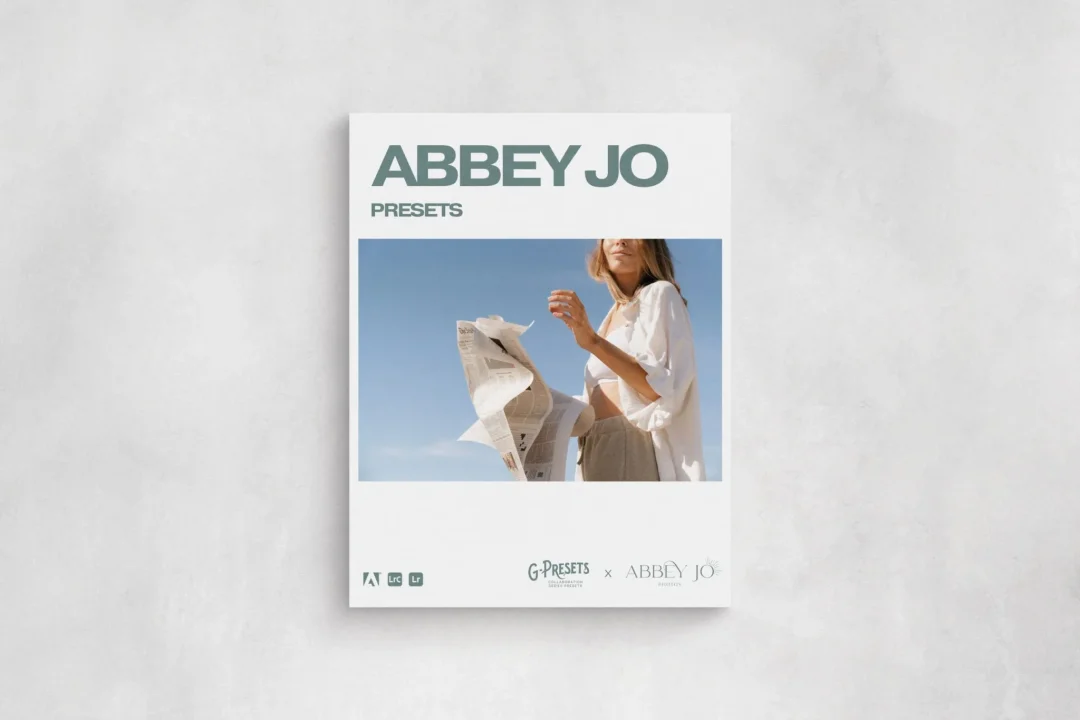
G-Presets - Abbey Jo Presets
Preset Details
A COLLABORATION WITH ABBEY JO PHOTOS
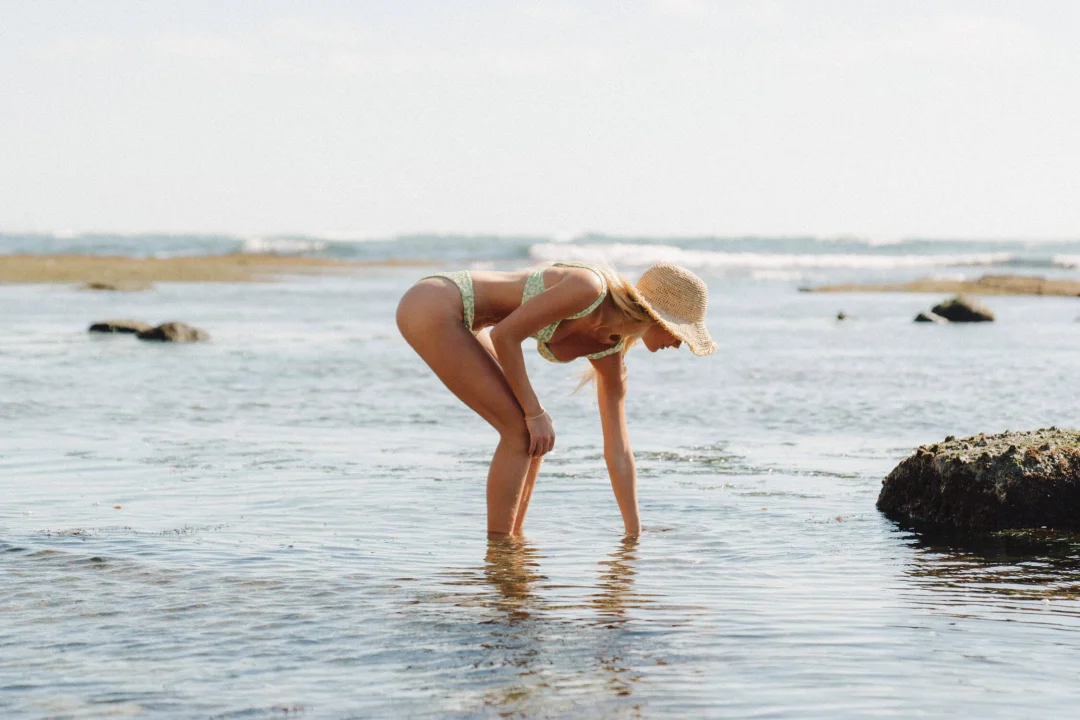
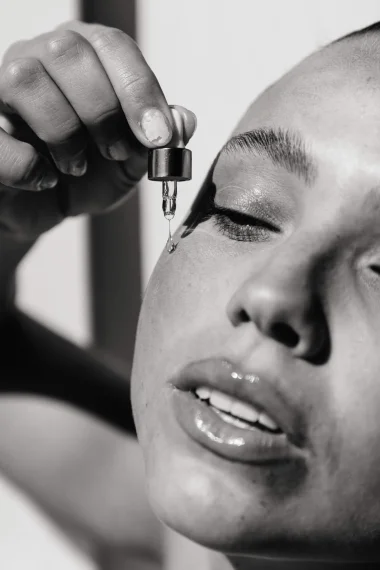
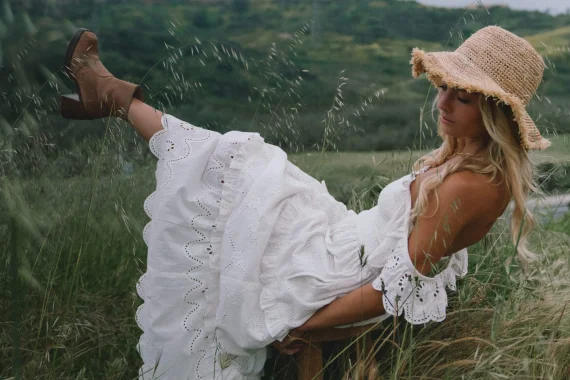
Presets developed to help photographers achieve an effortless and timeless editing style that is true-to-life and nostalgic. To sum this pack up in 5 words, Abbey Jo Presets can be described as classic, nostalgic, filmy, true to life, and versatile.
In using this collaboration pack, Abbey’s hope is that you will experience a transformation in your editing process that lightens your workload while simultaneously enhancing your creative flow. This pack was created to empower photographers to refine their style, make their editing journey a smoother and more enjoyable experience, while truly reflecting their artistic vision.
This pack is for the photographer who is looking for simple but stylized presets that they can use for anything they choose to capture throughout their photography career.
Abbey Jo Presets consist of 7 color presets, 2 BW presets, and 2 Custom Develop Profiles.
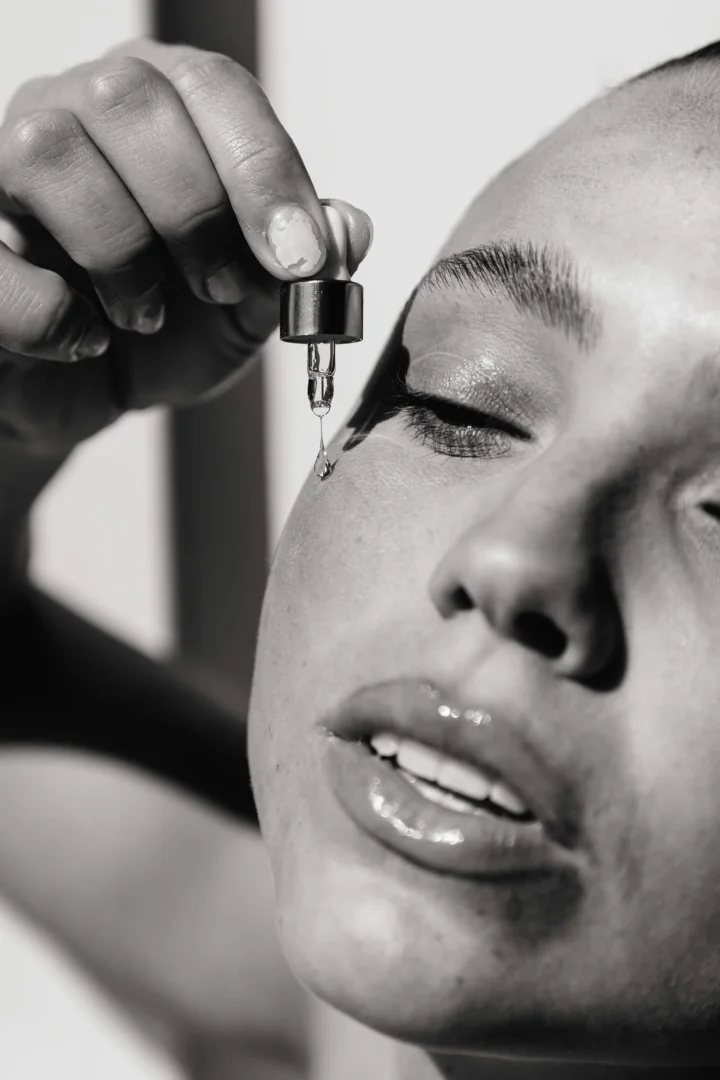
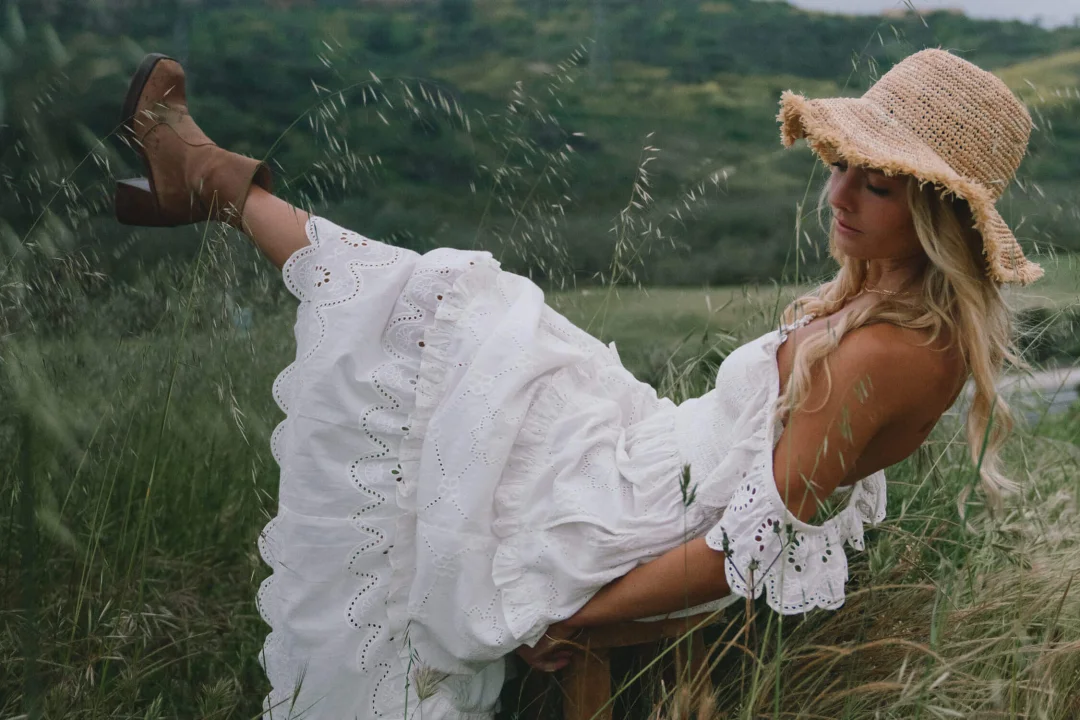
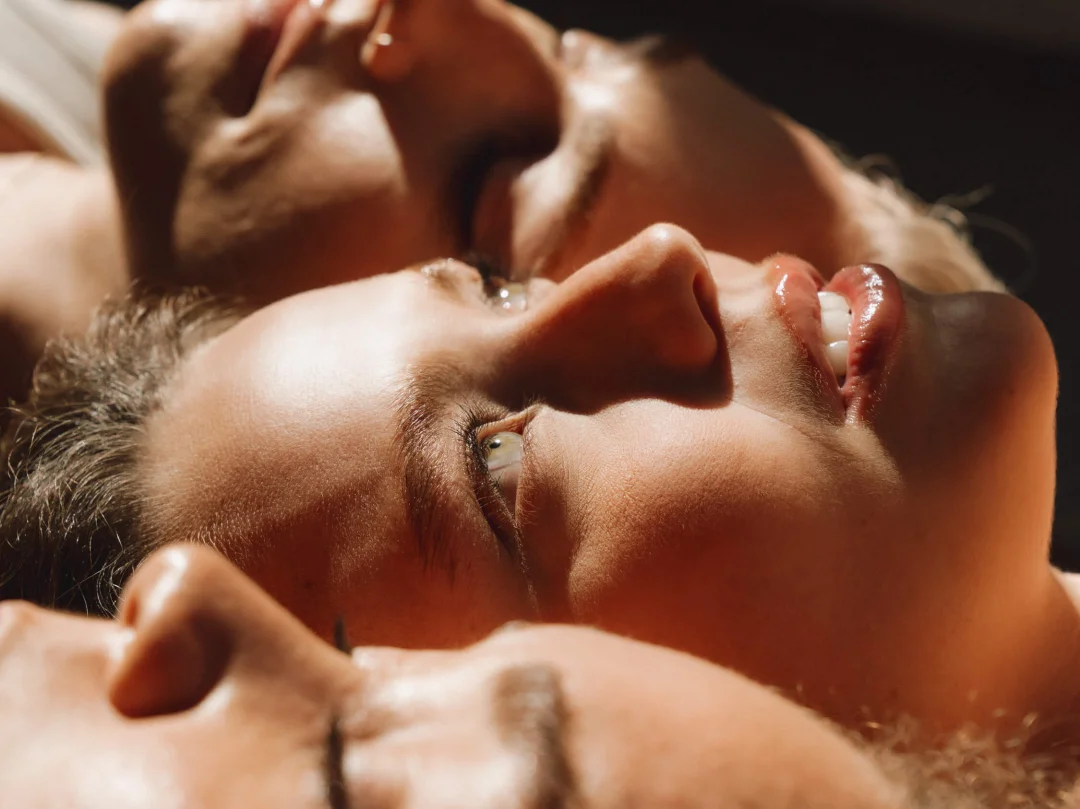
Before and after images below demonstrate how each preset manipulates an image with identical white balance and exposure.
Please see * below for compatibility. Scroll below to view the Editing Preview video to get a better idea of what’s included in the pack.
**The Presets ONLY work with Lightroom Classic CC (version 7.5 or later), Lightroom CC (version 1.3 or later), and Adobe Camera Raw (version 10.5 or later). For earlier versions, you MUST update your editing applications to meet the required specifications.
***Purchase of this preset pack DOES NOT include LRTEMPLATE files. It includes XMP files only
****Please note that these presets are created for RAW images only and are ONLY Compatible with the software versions above.
*****These are Desktop Presets(NOT Mobile Presets).
How to install
*For Lightroom Classic (version 7.5 or later), Lightroom (version 1.3 or later), or Adobe Camera Raw (version 10.5 or later)
- 1.After you have downloaded your presets DO NOT unzip the file
- 2.Open Lightroom and go to the Develop Module with a RAW image selected
- 3.Click on the + icon in the Preset Panel. Select “Import Presets”
- 4.Navigate to the downloaded presets zip file
- 5.Click “Import”
Compatibility:
- Lightroom Classic version 7.5 or later
- Lightroom version 1.3 or later
- Adobe Camera Raw (version 10.5 or later) for Mac
- Adobe Camera Raw (version 10.5 or later) for Windows (xmp files)