
 Türkçe

Newest
G-Presets - NP Mobile Preset Pack
Preset Details
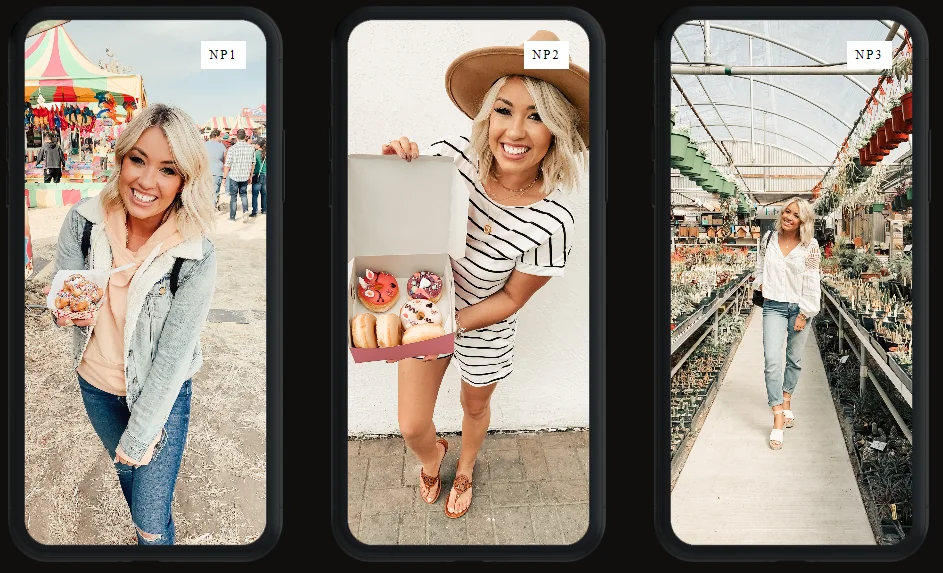
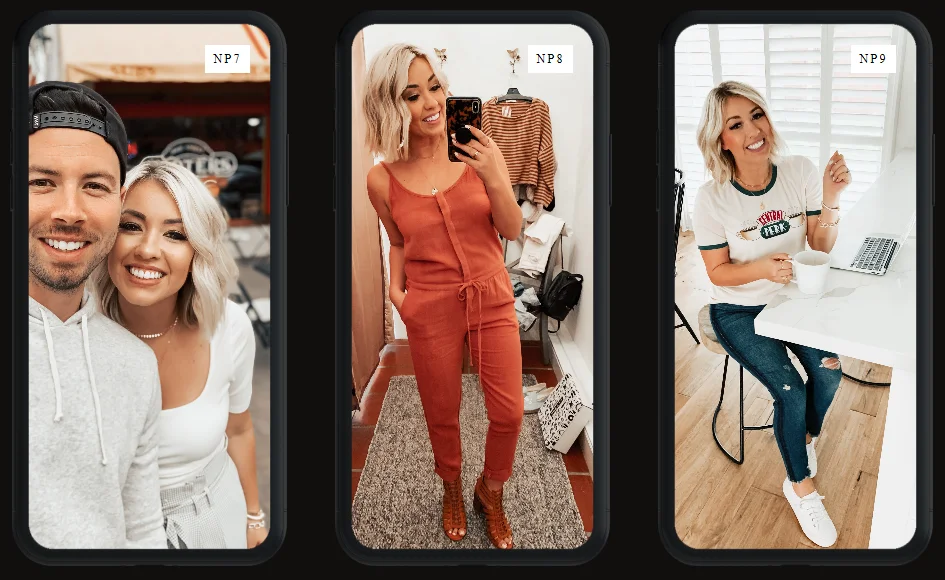
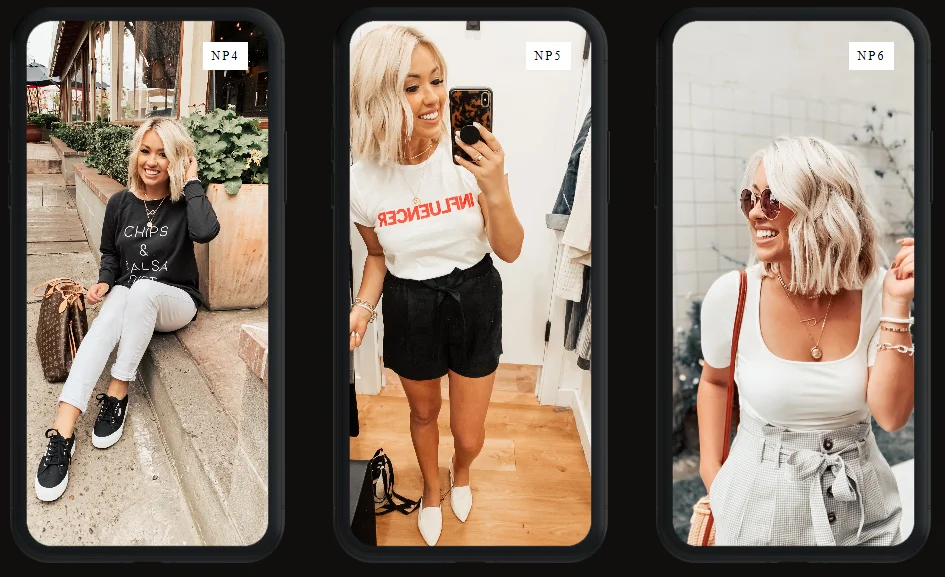
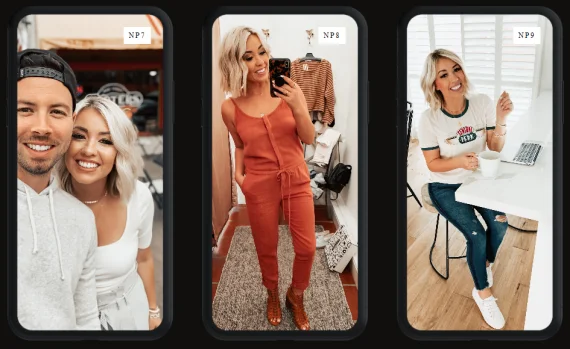
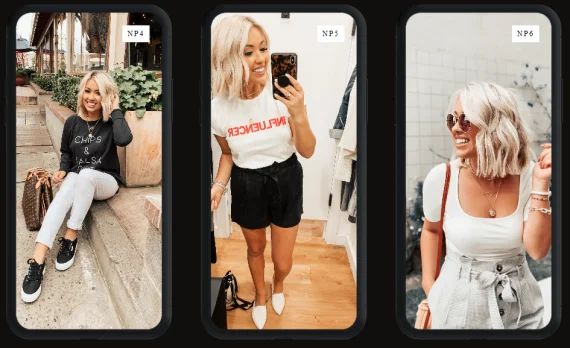
A collaboration with my wife Nicole Petersen, the NP Mobile Pack focuses on giving your social media feed a pitch-perfect patina.
Cool down amber lighting in that adorable old diner and dive bar, or bring a little warmth to flat lighting in outdoor activities. You can use these just about anywhere. The only place these presets don’t look incredible is in the basement with the lights off.
You’ll get 10 presets to conquer every sharable moment with consistency as well as a PDF guide and video with step-by-step instructions for installing.
HOW TO INSTALL
PURCHASE OF NP MOBILE PACK INCLUDES AN IN-DEPTH PDF GUIDE AND VIDEO WITH STEP-BY-STEP INSTRUCTIONS FOR INSTALLING THE PRESETS ON YOUR PHONE
- 1.Open up Lightroom Mobile on your iPhone
- 2.Tap the + and tap Create Album
- 3.Title the album “NP Mobile Pack” and tap OK
- 4.Tap the three little dots (...) on the far right of your album to open it’s settings
- 5.You will then tap Add Photos
- 6.Tap Camera Roll
- 7.Select all of the Preset Photos (titled DNG or may be Blank) by tapping each one
- 8.Once they are all selected tap Add Photos at the very bottom of the app to add them to your album
- 9.Go to your Album to access the Preset Photos
- 10.Tap on your Album and Tap on the first Preset Photo (NP1)
- 11.Tap the three little dots (...) at the top right of the app to open the photo settings
- 12.Tap Create Preset
- 13.Tap the User Presets under Preset Group
- 14.Tap Create New Preset Group
- 15.Title it NP Mobile Pack and Tap Done
- 16.Title the Preset Name the name of the Preset Image and Tap Done
- 17.Scroll to the next image and re- peat the steps to create a new preset and don’t forget to change the Pre- set NP Mobile Pack each time you create the next preset.