
 Türkçe







Newest
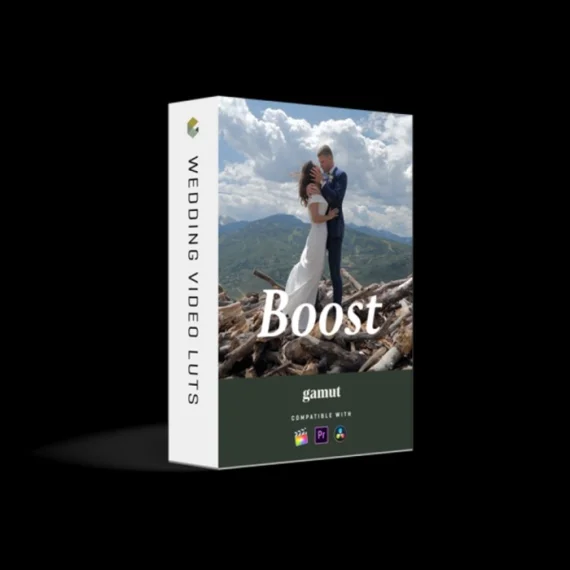
Gamut - Boost Luts
Preset Details
Gamut Boost is our go-to tool to push color in the right direction. It increases vibrancy, without being destructive to your color theory. You also get amazing highlight retention that you can’t accomplish with simple curves or color wheels, as well as a controlled boost in the mid-tones to keep the exposure consistent. With soft highlights and a focus on rich contrast, this LUT is a great addition to your toolkit that instantly helps make your footage pop and stand out better than before.
Tech Specs
Compatible with the following software:
- Adobe Premiere Pro
- Final Cut Pro
- DaVinci Resolve
- (any software that can load a LUT)
3D LUT in .cube format in 25x size
Installation
You will be given a .cube file to download. Once downloaded, you can place that file anywhere where you would like to permanently store it.
Final Cut Pro X
- Open up Final Cut Pro X, navigate to your Effects Browser and search for Custom LUT under the Color tab.
- Drag the Custom LUT effect onto your clip or adjustment layer. In the top right of your Inspector Window, you should see your Custom LUT effect displayed.
- Click to browse for the LUTs and navigate to the place where you saved your LUT earlier. Click on your LUT to bring it into your Custom LUT effect.
Adobe Premiere Pro
- Open up Adobe Premiere, and select the clip or adjustment layer you want to use the LUTs on.
- Select the Color workspace at the top of your screen and you should see the Lumetri Color panel on your right.
- Under the Creative tab, select the Input LUT dropdown menu and select Browse. Navigate to where you saved your LUT and open it. You are now able to use Gamut Boost in Premiere Pro.
What's Included
Upon purchase, you will receive an instant download of the LUT file that you can use in any Software that recognizes .cube files.
This pack consists of:
(1x) Gamut Boost LUT
- Saturation
Increases vibrancy without being destructive to your color theory or skin tones.
- Highlights
Amazing highlight retention that you can’t accomplish with simple curves or color wheels.
- Mid-tones
Provides a controlled boost in the mid-tones to keep the exposure consistent across all your footage while supporting your saturation levels.
Gamut Boost
This tool helps saturate the right colors without adjusting the Hues and over-intensifying the skin tones. It increases vibrancy, without being destructive to your color theory.
Think of the Vibrancy slider paired with the Highlight and Shadow sliders of Adobe Premiere. Here you get great vibrancy, better highlight retention, and rich contrast in your footage in the form of a simple slider (LUT intensity).
Expand Your LUTs
Give your LUTs another round of life. By providing you new controlled levels of saturation and vibrancy while also protecting important information in the highlights and mid-tones, this tool helps you get even more variety and customization within your LUT collections.
Gamut Boost is designed to accompany any LUT that you are already using to give it a variation that is more robust and crisp. Even more, you can use Gamut Boost with any LUT, not just Gamut LUTs.
Controlled Saturation
By carefully controlling saturation, Gamut Boost allows you to nudge colors in the right direction without worrying about creating dissonant color theory, which is prone to happening with haphazard color wheel manipulation. This LUT is a great addition to your toolkit that instantly helps make your footage pop and stand out better than before. Clean colors – every time.